Changelog

New tools, improvements, and fixes — what has changed on Jinero.

UI Elements land in Figma — plugin 1.1 & Chrome extension
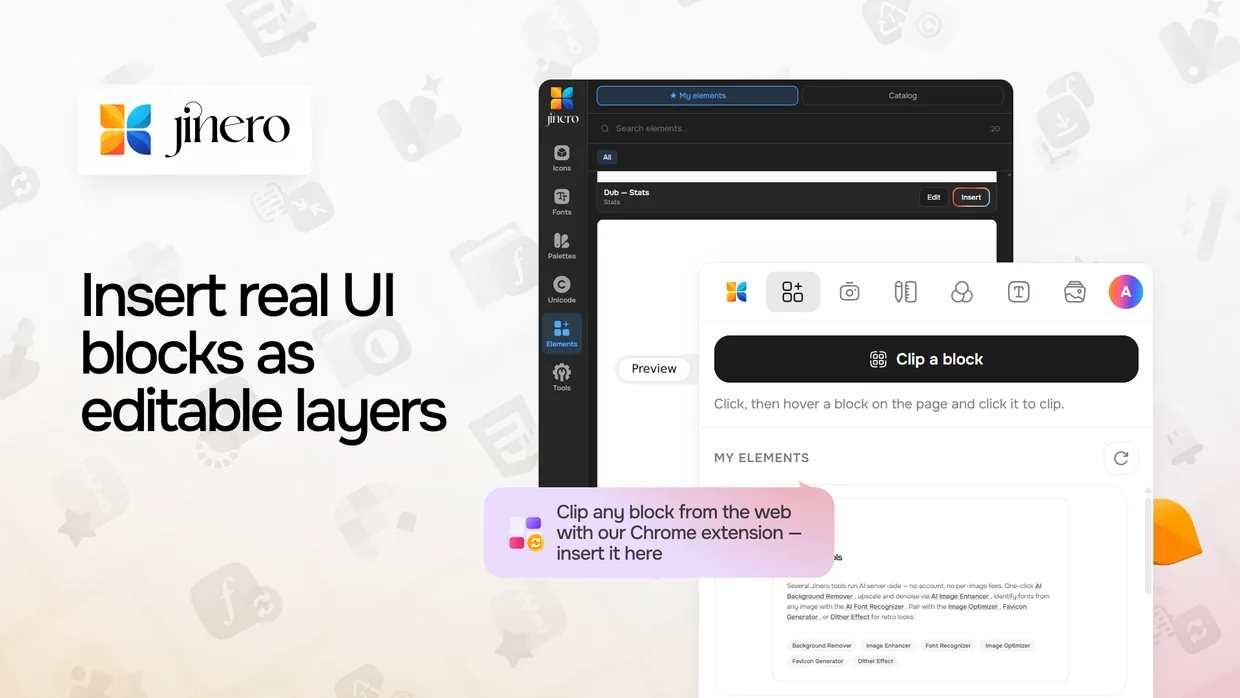
  • New The Figma plugin gets an Elements tab: insert real UI blocks — buttons, cards, pricing sections, navbars, heroes — as fully editable Figma layers with real text, vector icons, images, gradients, shadows and corner radii. Choose Flat, Groups or Auto-layout insert modes.
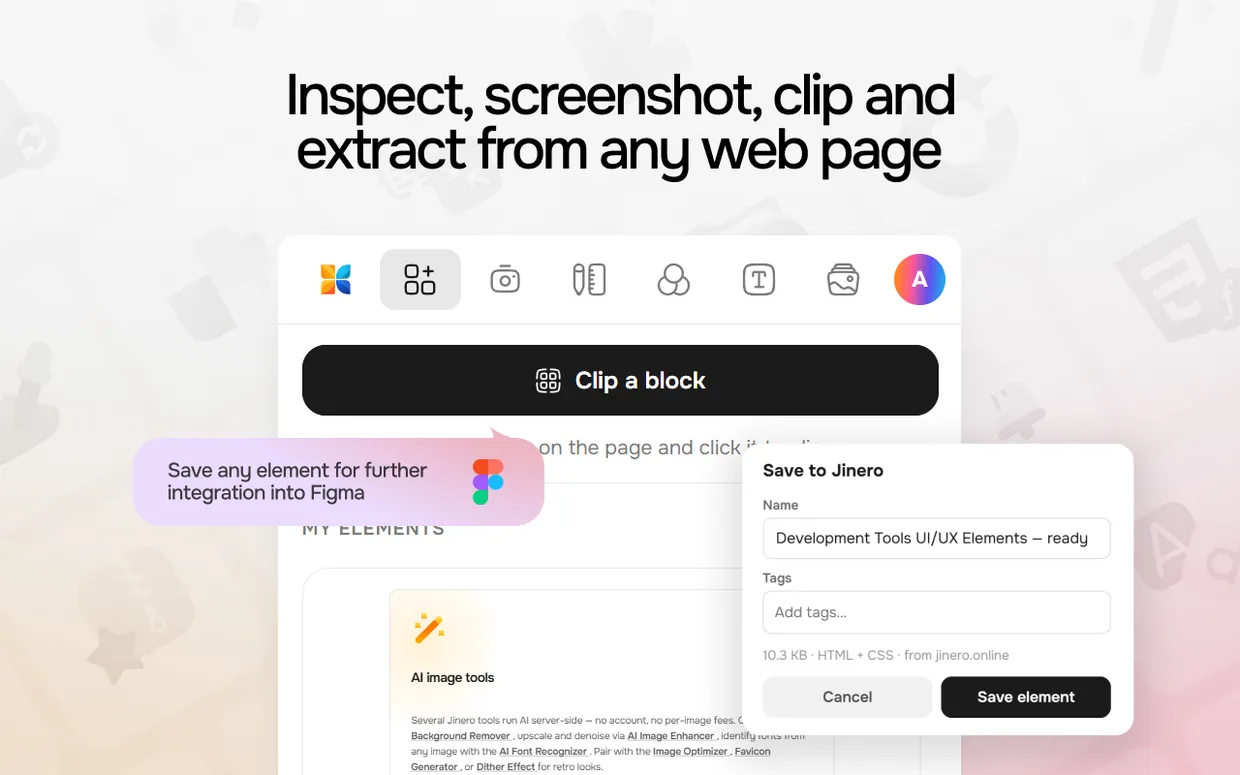
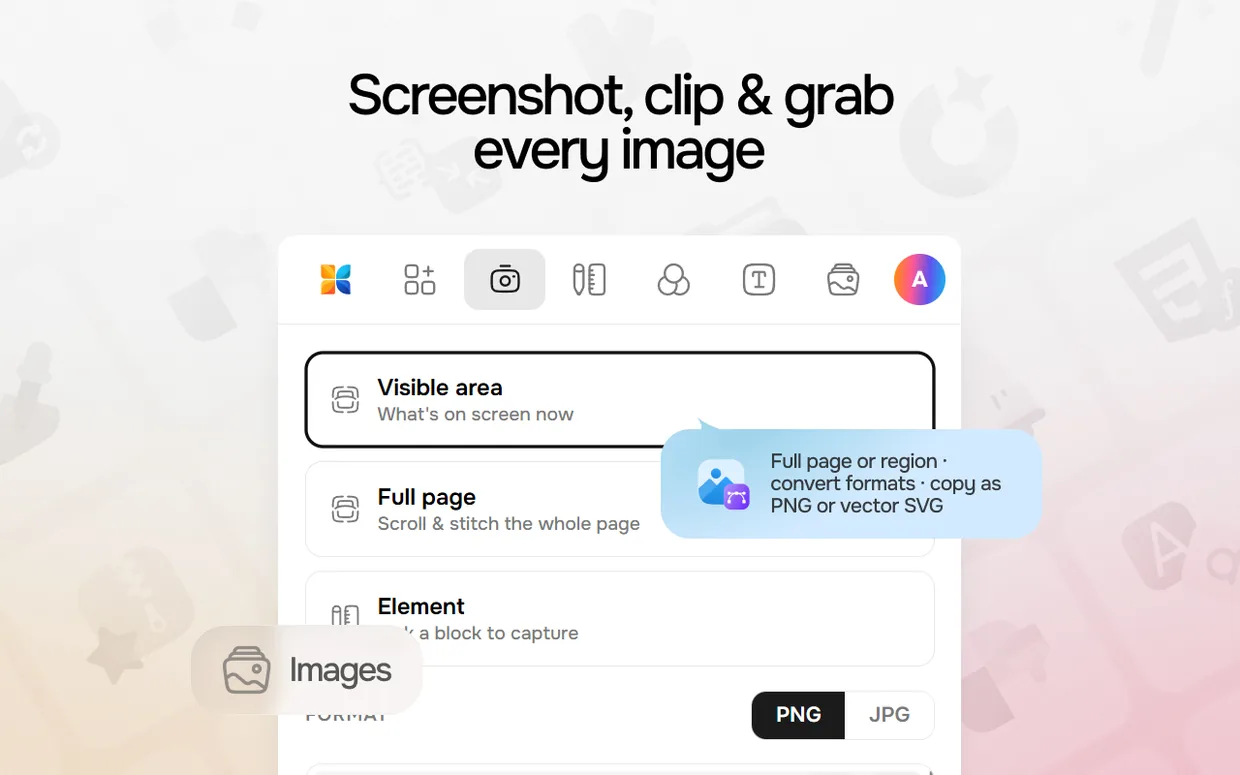
  • New Our Chrome extension "Jinero Web Tools" is live on the Chrome Web Store — inspect, screenshot and clip any block from any website. Clipped blocks sync to your account and appear in the Figma plugin, ready to insert.
  • New The Figma plugin now also works in FigJam and Figma Slides.
  • New Filter fonts by style in the Figma plugin — handwriting, script, display, condensed, pixel, blackletter and more.
  • Improved Much more faithful HTML→Figma conversion: masked and sprite icons keep their colors, input placeholders come in as text, blurred glow shapes stay blurred, semi-transparent decorations keep their opacity, and carousels crop to their card like on the source page.
  • Improved The UI Elements library got cleaner: browse by the full category list, sort by most liked, and enjoy sharper, properly centered element previews.
  • Fixed Resizing the Figma plugin window by its corner works smoothly again.
Font Pairing, upgraded
  • New A dedicated Font Pairs page — browse curated headline-and-body combinations, now on their own page separate from the generator.
  • Improved The pair generator can now steer random results by category and style — serif, sans-serif, display, slab or monospace, plus looks like handwriting, script, rounded or condensed — on top of language, so you land closer to the style you want.
  • New Save the pairings you like. Hit Save on any generated pair and it appears at the top of the Font Pairs page, with the exact weights and uppercase you chose remembered.
  • New An uppercase toggle for each side of a pairing, so you can preview all-caps headlines instantly.
  • Improved Sharing a pairing now links straight into the generator with the same weights and casing, ready to keep tweaking — and every pair has a one-click "open in generator" too.
Faster, more reliable tools
  • Improved The heaviest tools now run in the background, so they no longer time out on large files or slow websites — the Font Recognizer, Icon Font Extractor, Font Converter, Website Font Extractor and Website Style Extractor keep working while you wait, then show the result.
  • Fixed AI image upscaling works again — the 2× super-resolution option in the Image Enhancer was returning an error and now sharpens low-resolution images as intended.
  • Improved Font Recognizer: small, low-resolution crops are sharpened before matching again, and the recognizer now weighs a wider set of candidate fonts for closer matches.
  • Improved Security hardening across the URL-fetching tools — the Website Font & Style Extractors and the SVG animation and thumbnail generators.
Filter Icon Sets by Topic
  • New Big icon sets are now sorted by topic. On any icon pack you will see a row of topic filters — arrows, weather, commerce, media, files and more — so you can jump straight to the icons you need instead of scrolling through thousands. An "Other" filter gathers everything that does not fit a topic.
  • Improved Searching flag icons now understands country names. Type "Japan" or "Ukraine" and you will find the right flag even when the file is named by its country code (jp, ua) — no need to know the code.
Smarter Font Recognizer
  • New The Font Recognizer now reads the text for you. Crop the text in your image and it detects the characters automatically — in Latin and Cyrillic — so you no longer have to type them by hand. Not quite right? Switch off Auto-detect and edit the text before matching.
  • Improved A clearer two-step flow: once you confirm the crop, you see just that piece with the detected words highlighted right on it, ready to tweak.
  • Improved More options to choose from — the recognizer now shows the top 15 closest fonts.
  • Fixed Better reading of small, low-resolution crops, and more accurate text on multi-word samples.
Colour Naming & API
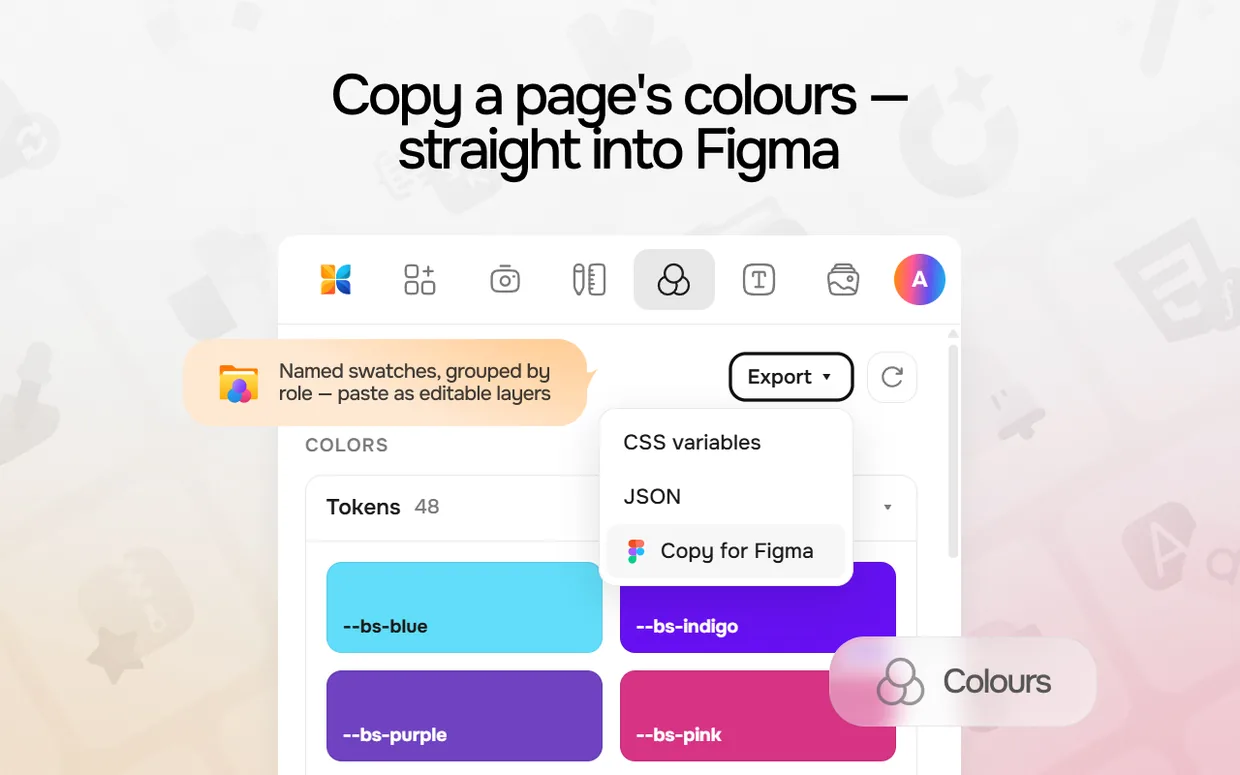
  • New Name any colour — the Colors API turns a hex value, or a whole comma-separated list, into its closest human-readable name (Dodger Blue, Coral, Cod Gray…). Handy for labelling swatches and design tokens.
  • Improved The image colour extractor now returns a named palette: every colour pulled from your image comes back with its name alongside hex, RGB, HSL and its share of the image — all in a single request.
  • New Two new tools for AI agents on our MCP server (now 21 in total): name colours, and extract a named palette straight from an image URL — so assistants like Claude or Cursor can build and label palettes for you.
Icon Font Extractor
  • New A brand-new tool: turn any icon font into editable SVGs. Drop in a WOFF2, WOFF, TTF or OTF file (or paste a direct link to a font), and get every glyph back as an individual SVG — ideal for migrating an old icon-font project or rescuing a set when you no longer have the source files.
  • New Real names, not codepoints: icons are named from the font itself (glyph names and ligatures) and, when you attach the font's CSS, from your own class names — so you get home.svg, not icon-e900.svg. Preview and search the whole set, then keep just the icons you want.
  • New Export your way: download icons as separate SVG files (ZIP) or as a single SVG sprite that ships with a ready-to-use HTML preview and copy-paste snippets — the whole set, or only your selection.
Browse & Filter Fonts
  • New New ways to browse our 4,800+ fonts: by writing system (Cyrillic, Greek, Vietnamese, Arabic and more), by category, by visual style (handwriting, script, condensed, rounded, slab, stencil, pixel, blackletter…), or A–Z. A new Browse page ties them together, with a "Browse" button right on the Fonts Library.
  • Improved The Fonts Library filters now reflect the real catalogue: a new Style filter, a fuller Languages list with live counts, and a Monospace toggle.
  • Improved Each font page now points you onward — quick links to its category, script and style, alongside related families.
  • Improved For developers: the Fonts API and MCP server can now filter by visual style, e.g. style=handwriting,condensed.
Dashboard
  • New Your dashboard is redesigned — saved fonts, colour palettes, icon collections and your UI elements now live together on one page as cards. Filter by type (All / Fonts / Icons / Palettes / Elements) and sort by recently added.
  • Improved Your account menu moved into the header avatar, so Dashboard, Profile and API Token are one click away from any page.
  • Improved Icon collection pages are cleaner — a simple icon gallery with one-click "Copy SVG", export to SVG ZIP / sprite / icon font, and a quick delete.
API Token
  • Improved You can now view and copy your personal API token at any time on the token page — it is no longer shown only once. The same single token works everywhere: the public API, the MCP server, and the Chrome & Figma plugins.
  • Fixed Connecting a second client (for example the Figma plugin after the browser extension) no longer invalidates the token already in use — your token stays stable across all of them.
Jinero for Figma
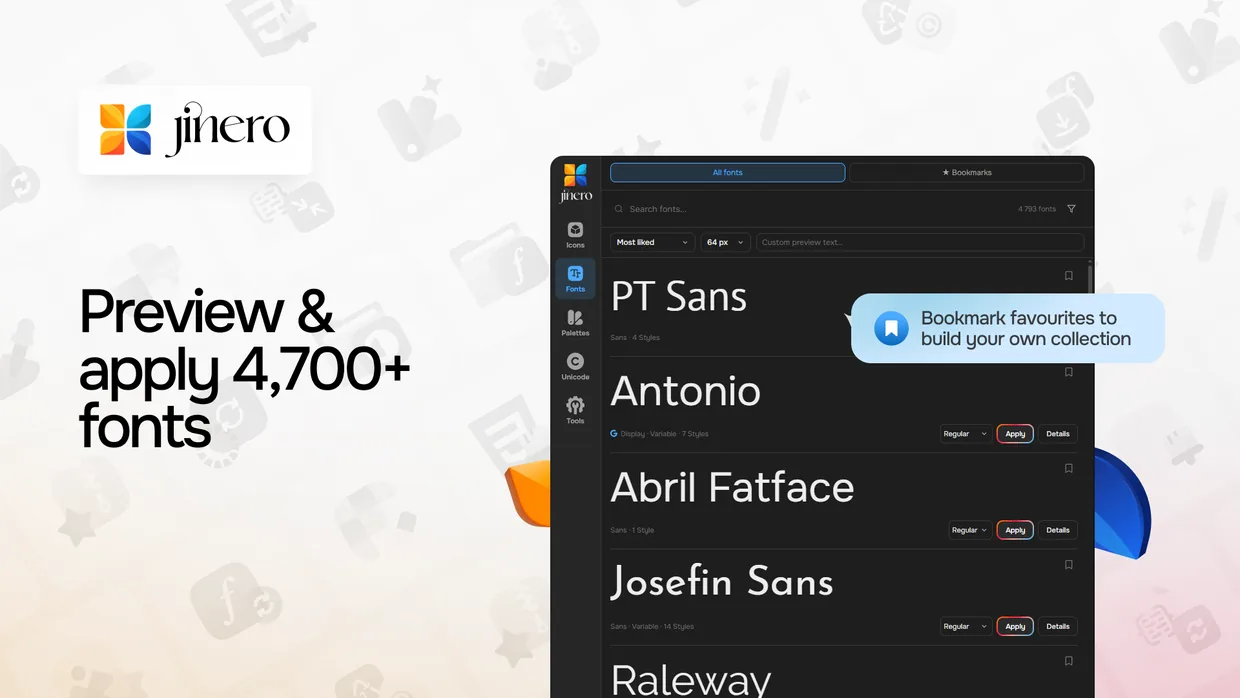
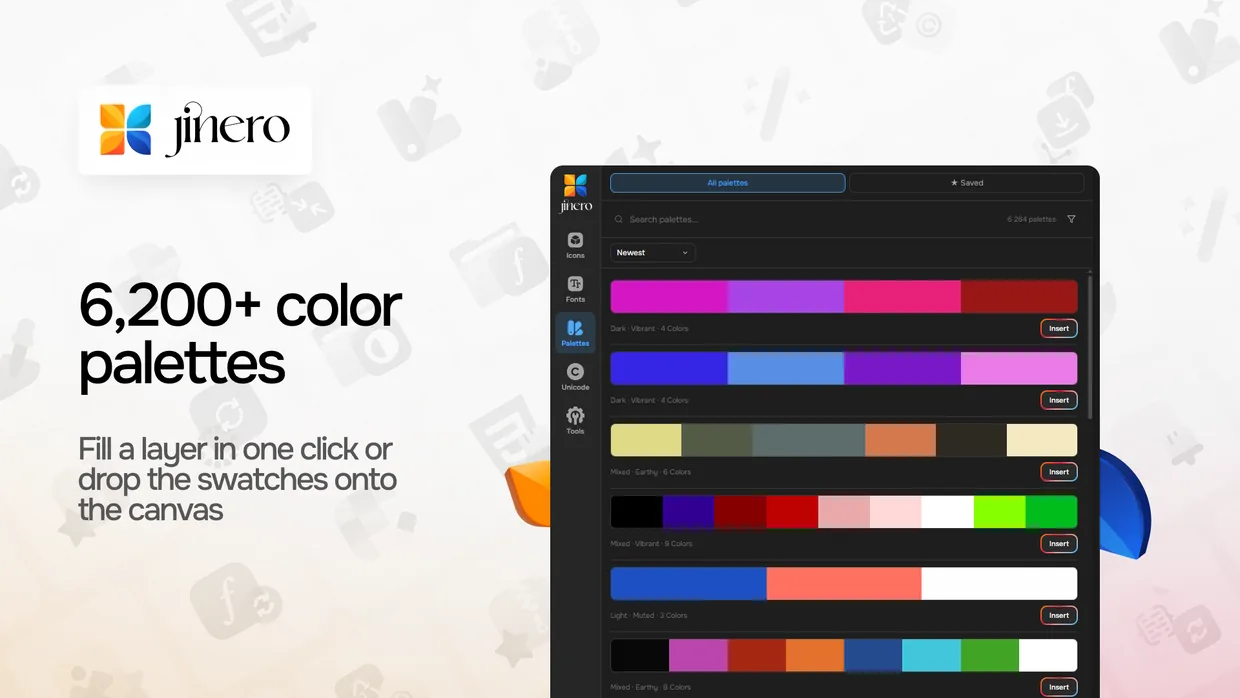
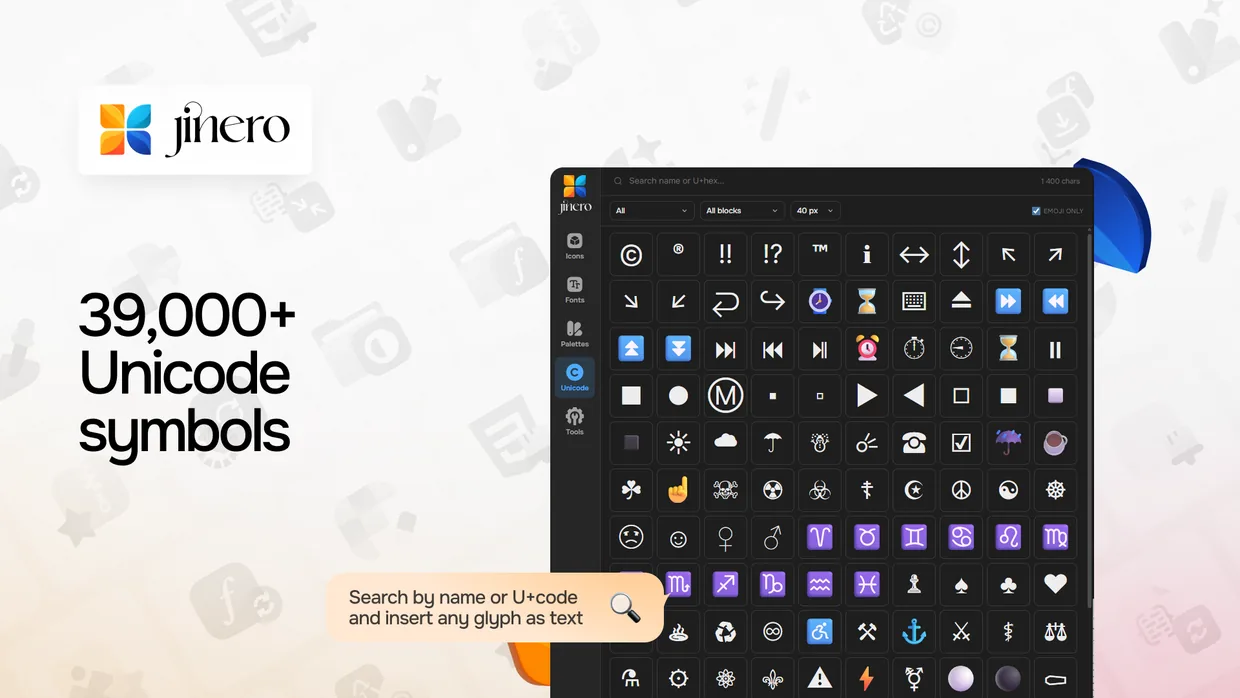
  • New Our Figma plugin is live on the Figma Community! Browse 280K+ icons, 4,700+ fonts, 6,200+ colour palettes and 39,000+ Unicode symbols without leaving Figma — insert icons, apply fonts to your text, drop a palette onto the canvas, and add symbols in a click.
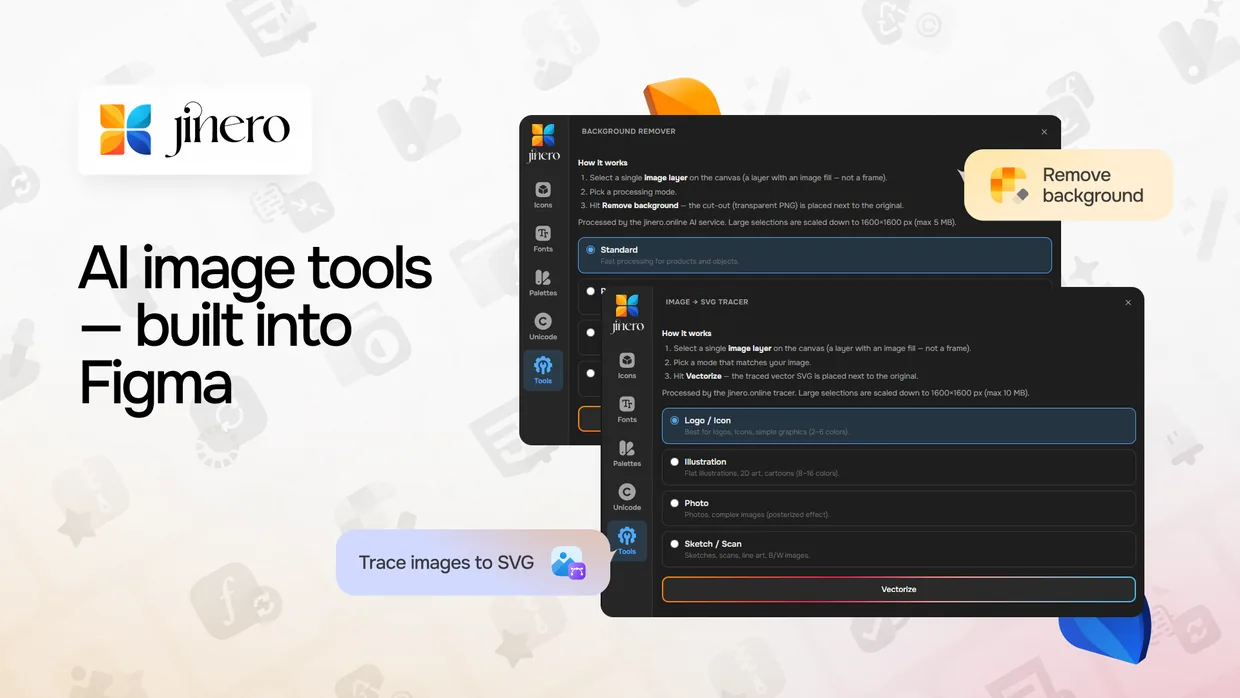
  • New Tools that run right inside Figma: generate a full favicon set, remove image backgrounds, and trace images to SVG — plus quick launchers for the rest of the Jinero web tools.
  • New Sign in with Google — connect the plugin to your Jinero account with one click, no API token to copy and paste; your saved collections and bookmarks sync automatically.
  • Fixed Fixed the in-plugin font previews not rendering and a couple of start-up warnings.
Colour Palettes
  • New Every colour now has a real name. Palettes, the generator and the extractor label each colour from a 31,900-name dataset (think "Zydeco Blue" or "Misty Rose") instead of a generic "blue / pale red".
  • New Save palettes from the generator straight to your library — a quick dialog suggests a name (which you can edit) and saves in one click.
  • Improved Palette pages read more naturally now: the title, description and per-colour breakdown all use the real colour names.
Colour Extractor
  • New Save an extracted palette straight to your library, and use the new Export menu to copy CSS variables, copy a HEX list, or download the palette as a PNG image.
  • New Each extracted colour now shows its name and a small ring with its share of the image, and the default number of colours is now 5.
Font Recognizer
  • Improved More accurate recognition for variable fonts — every weight (Thin → Black, plus italics) is now matched at its true thickness instead of all collapsing to the default style, so lighter and heavier styles are identified correctly.
Image Converter
  • Fixed Converting a slightly corrupt or truncated image no longer fails with an unexpected error — you now get a clear message, while valid images convert as before.
Website Style Extractor
  • New Export a full design system from any URL — download it as CSS custom properties, design-tokens JSON, or Figma-ready tokens (import straight into Figma via the Tokens Studio plugin).
  • New New sections: the site's real :root CSS variables (grouped into colours, sizes and other), CSS gradients, and the inline SVG icons used on the page — with one-click "Download all" as a ZIP.
  • Improved Much sharper colour extraction — modern colour formats (oklch, oklab, lab, hsl) are now read correctly, so colourful modern sites no longer come back nearly empty. Colours are grouped by role and weighted by how much of the page they paint.
  • Improved Cleaner results: button detection now catches real call-to-action buttons (including Tailwind/utility-styled links) and drops junk like version tags and file names; typography is split into headings and body text; empty sections are hidden instead of showing blank fields.
  • Improved More reliable analysis — detects sites behind bot protection, dismisses cookie banners before measuring, and waits for fonts and lazy content to load. Added a clear step-by-step progress indicator and 30-minute result caching.
Website Font Extractor
  • Fixed Fonts that ship split into many character-range subsets (such as Crisp's Noto Sans) no longer flood the list with 100+ identical variants — they're merged into a single entry per weight and style, with a small "N subsets" note.
  • Improved Live font preview now renders in the actual typeface by loading the real font file from its source, instead of falling back to a system font.
  • Improved Extraction results are now cached for 30 minutes, so re-running the same site is instant.
Jinero for Figma
  • New Jinero is now a Figma plugin — search 280,000+ open-source icons, browse fonts, color palettes and Unicode symbols, and drop them straight onto your canvas without leaving Figma.
  • New Image tools that run right inside Figma: generate a complete favicon set onto the canvas (with a ready-to-paste HTML snippet), remove image backgrounds with AI, and trace any image into an editable vector SVG.
  • New Apply fonts to text layers, fill a layer with a palette colour, insert any Unicode glyph as text, bookmark your favourite fonts, and insert single-colour icons in any colour. Light / dark / auto theme included.
  • Improved No login required — start using everything anonymously, and add a free API token to sync your saved collections and bookmarks across the web app and the plugin.
Support
  • Improved The feedback form now lives on the Contact page — send a bug report, feature request, or question (with an optional screenshot) and we reply to the email you provide.
  • New Added a Security & Responsible Disclosure page explaining how to report a vulnerability and how we handle your data.
Fonts
  • Improved Every variable font now ships with real static weight files (Thin → Black, plus italics) alongside the variable file — so each weight on a font page renders at its true thickness instead of the default.
  • Improved Font downloads tidied up: the full-family ZIP puts every weight and the variable file together in one folder, and you can still download any single weight as one file.
  • Improved Merged duplicate listings for several typefaces (e.g. Satoshi, Clash Grotesk, General Sans) into a single page per family with cleaner URLs.
  • Fixed Fixed variable families that previously showed every weight at the same thickness.
Fonts API
  • Improved Embed fonts by CSS code as either static weights or a variable axis — use family=slug:wght@400,700 for specific weights, or family=slug:[email protected] to load the variable font and animate weight via font-variation-settings.
SVG Editor
  • Improved The online SVG Editor was rebuilt on a new engine — selecting, dragging, resizing and rotating shapes now works reliably (including on touch screens), with proper undo/redo.
  • New Added path point editing and on-canvas drawing of shapes, lines and text.
  • New Text tool: pick a font (including popular families from our catalog), size, colour and opacity; double-click any text to edit it in place.
  • New The Layers panel now expands groups, and you can drag elements between groups — or out to the top level — to restructure your artwork.
  • Fixed Recolouring now works on grouped icons and SVGs styled with CSS classes, and colours apply instantly as you pick them.
  • Improved Uploaded SVGs are normalised on load so every element is directly editable, and editor shortcuts work on any keyboard layout.
Icons
  • Improved The icon detail view now has tidy SVG (copy or download) and PNG-size export menus.
  • Improved Icon Packages sort by “Most liked” by default, and hovering a pack name shows its full title.
API & MCP
  • New New developer home at /dev/api — one place for every Jinero API (fonts, colors, palettes, code, SVG, favicon, images, mixins).
  • New MCP server: connect AI agents (Claude, Cursor, Cline…) to Jinero's tools over a hosted remote server — no install, no key. Listed in the official MCP registry as online.jinero/jinero.
  • New Added an OpenAPI spec, an interactive API reference you can try in the browser, and a downloadable Postman collection.
  • Improved Every API page now has quick chip navigation to jump between APIs.
  • Improved The “Dev API” was renamed to “Mixins API” (old links redirect automatically).
Sign in
  • New Google One Tap: a quick sign-in prompt now appears as you browse, so you can log in with your Google account in one tap — no need to open the login page.
Search
  • Improved The header search is now always visible as a compact field, and Ctrl/⌘ K opens it from anywhere — on any keyboard layout.
  • New Quick search now includes the developer API pages (Fonts, Colors, Palettes, Images, SVG, Favicon, Code, and Dev APIs).
Fonts
  • New Every font page now has an "Embed on the web" panel: pick the styles you need and copy a ready <link>, @import, or CSS snippet — self-hosted via our free Fonts API, Google-Fonts-compatible and tracking-free.
  • New Variable fonts can be embedded as a single file covering their whole weight range (e.g. [email protected]), instead of separate weights.
  • Improved "Related Fonts" now shows genuinely similar typefaces — matched visually from the font shapes themselves — as rich preview cards, instead of the same popular list on every page.
Icon Search
  • New Semantic icon search: searching "delete" now also finds trash, bin, and remove icons. Every icon in the 274k catalog carries a synonym-aware keyword core, and the same smarter search powers the public API, the Figma plugin, and the MCP server.
  • Improved The Icon Library got dramatically faster — the page now opens near-instantly and infinite scroll does half the database work per batch.
  • Improved Database and server tuning across the board: catalog pages and search respond noticeably quicker.
  • Improved The Style Extractor no longer times out on sites with constant background network activity.
  • Improved Security hardening across the platform: stricter URL validation in the Font Extractor, Style Extractor, and SVG tools, plus tightened infrastructure protections and automated daily backups.
  • Fixed The Font Extractor no longer saves broken files when a site returns an error page instead of the font, so the ingest queue stays clean.
  • Fixed Exporting a loader as MP4 video works again.
  • Improved The Font Recognizer now upscales low-resolution uploads before matching, for more accurate results.
  • New New Ukrainian-made font families: KyivType Sans, KyivType Serif, KyivType Titling, Plahta Type, and Robochyi Sans.
  • New Font preview now includes Cyrillic and Greek glyph panels, and variable-font axis sliders apply live to the live preview.
  • New Support button moved into the header (next to the global search); footer now includes a Ko-fi link for those who want to back the project.
  • Improved Faster, cleaner mobile home page; major SEO clean-up across the catalog.
  • Fixed Font ingest now detects weights correctly for legacy OTF families that ship multiple static weight files.
Icon Packs
  • New Browse complete open-source icon packs in a dedicated library — like, bookmark, and keep favourites in your personal collection.
  • New Redesigned individual icon-pack pages: previews, in-pack search, style filters, related packs, and a unique description for every pack.
  • New A reminder bar appears when you add icons to the Sprite Generator, with quick "Open" and "Clear" actions.
  • Improved Clearer Sprite Generator page — it explains how to combine your own icons and catalog icons into one sprite or web-font.
  • Fixed Some icons (IconPark and similar masked SVGs) rendered blank — they now display correctly everywhere.
  • Fixed The icon preview window now works on pack pages, and "Add to Sprite Generator" works straight from the catalog.
  • Fixed Image uploads above ~1 MB failed on the Compressor and Converter — the upload limit is now 20 MB.
  • Improved The Font Recognizer is roughly 10× faster — results now come back in seconds instead of timing out.
  • New Colour-palette pages now include a per-colour breakdown, WCAG contrast pairings, and ready-made tints & shades.
  • Improved The feedback form now reaches our support inbox directly and includes a clearer description field.
  • New A public REST API — Fonts, Icons, Images, Colours, Palettes, Code, SVG, Favicon, and Dev endpoints, each with its own documentation page.
  • Improved The AI Image Enhancer and Background Remover now process in the background — no more timeouts on large images.