


Seven tabs, one plugin
Install once from the Figma Community, open Jinero from the Plugins menu and pick a tab. Everything you insert is a native Figma layer — vectors, text, image fills — so it stays fully editable.
Icons
Search 280,000+ open-source icons across 230+ packs — with AI deep search by meaning — and drag any of them onto the canvas at the size you need, or insert a whole collection at once.
Fonts
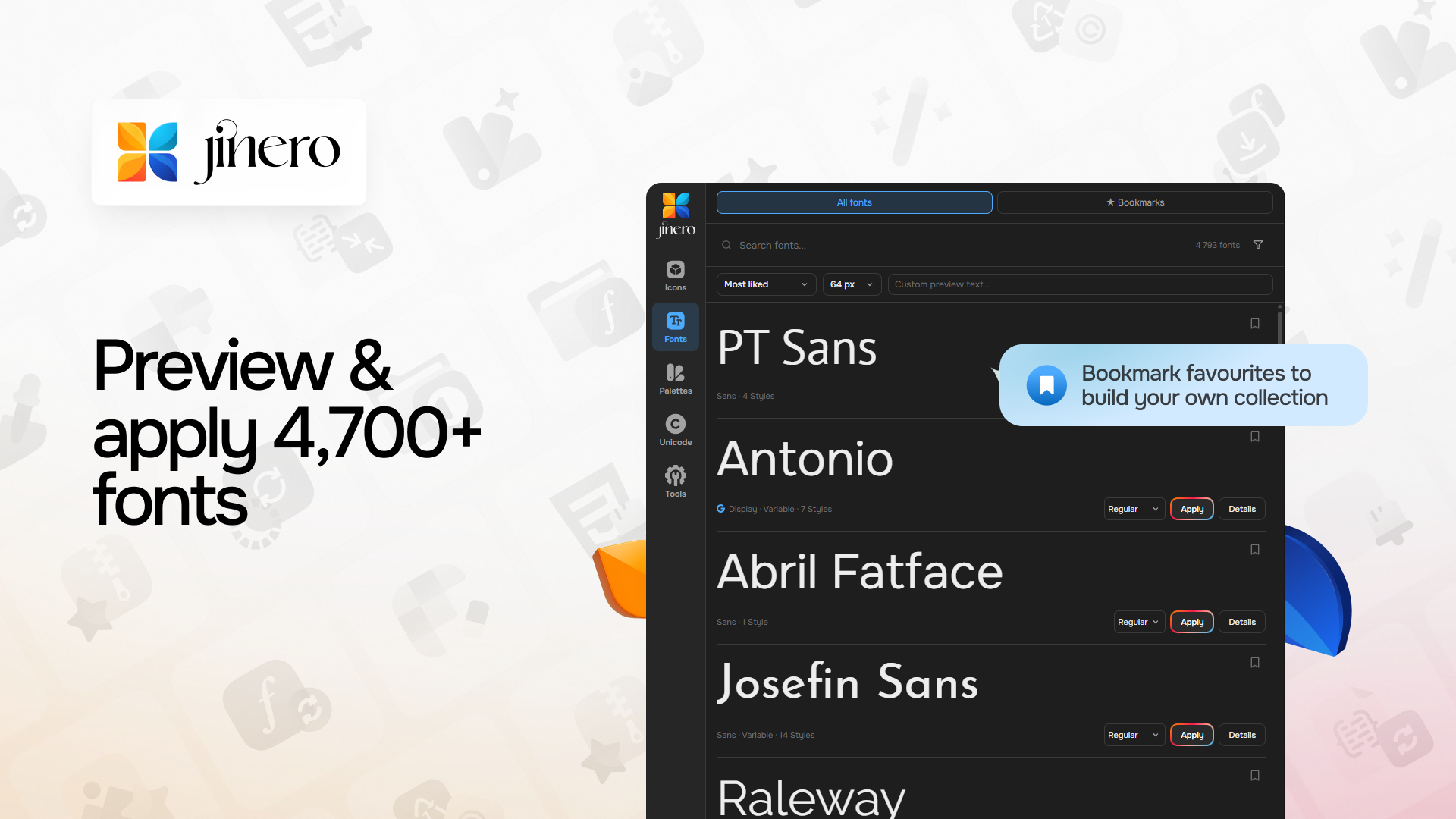
Browse 31,000+ families with live previews in the real typeface, filter by category, script and style, pick a weight and apply it to the selected text layer in one click.
Palettes
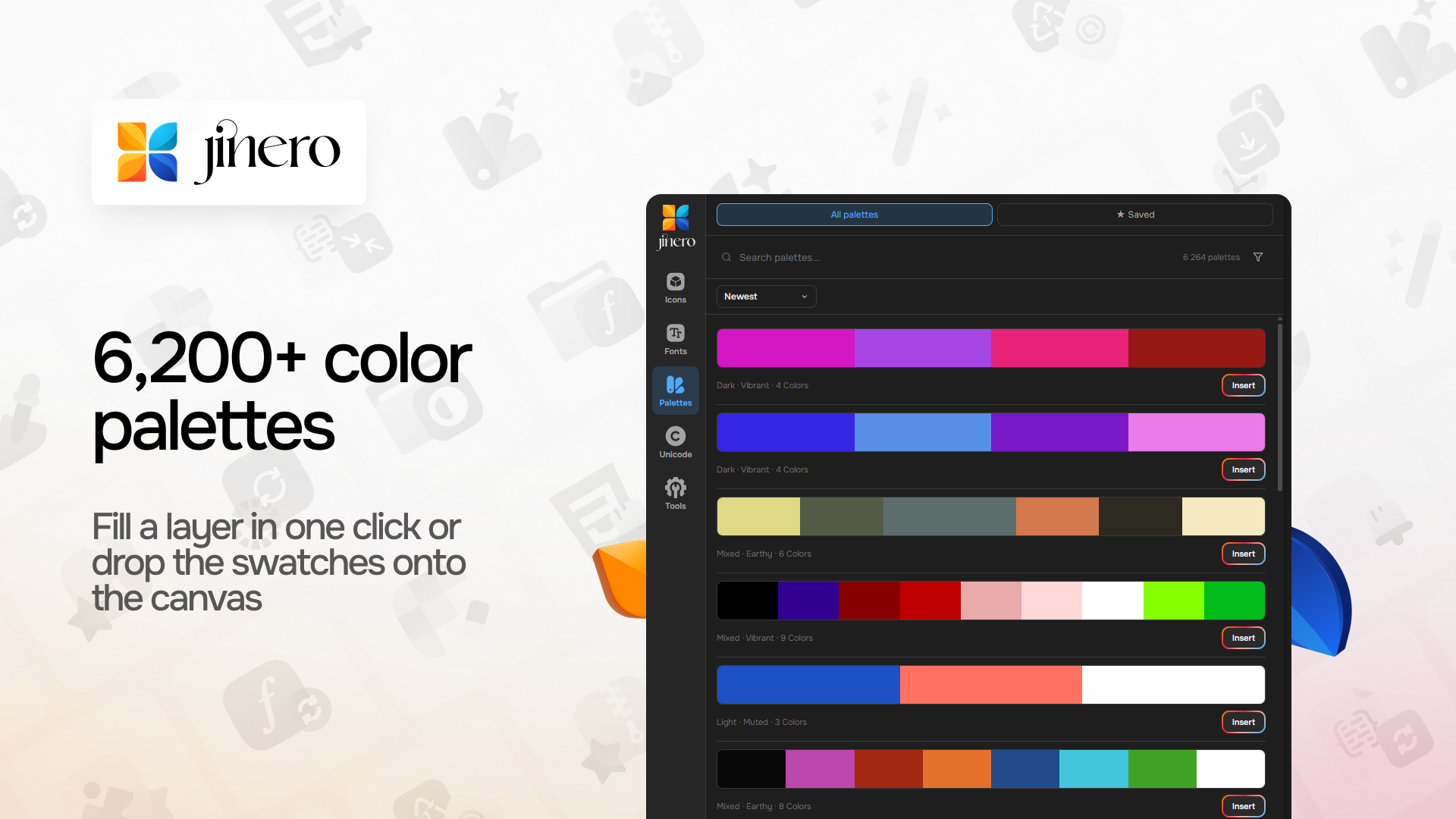
6,200+ curated palettes filtered by tone, mood and harmony. Fill a layer with a swatch or drop the whole palette onto the canvas as color chips.
Unicode
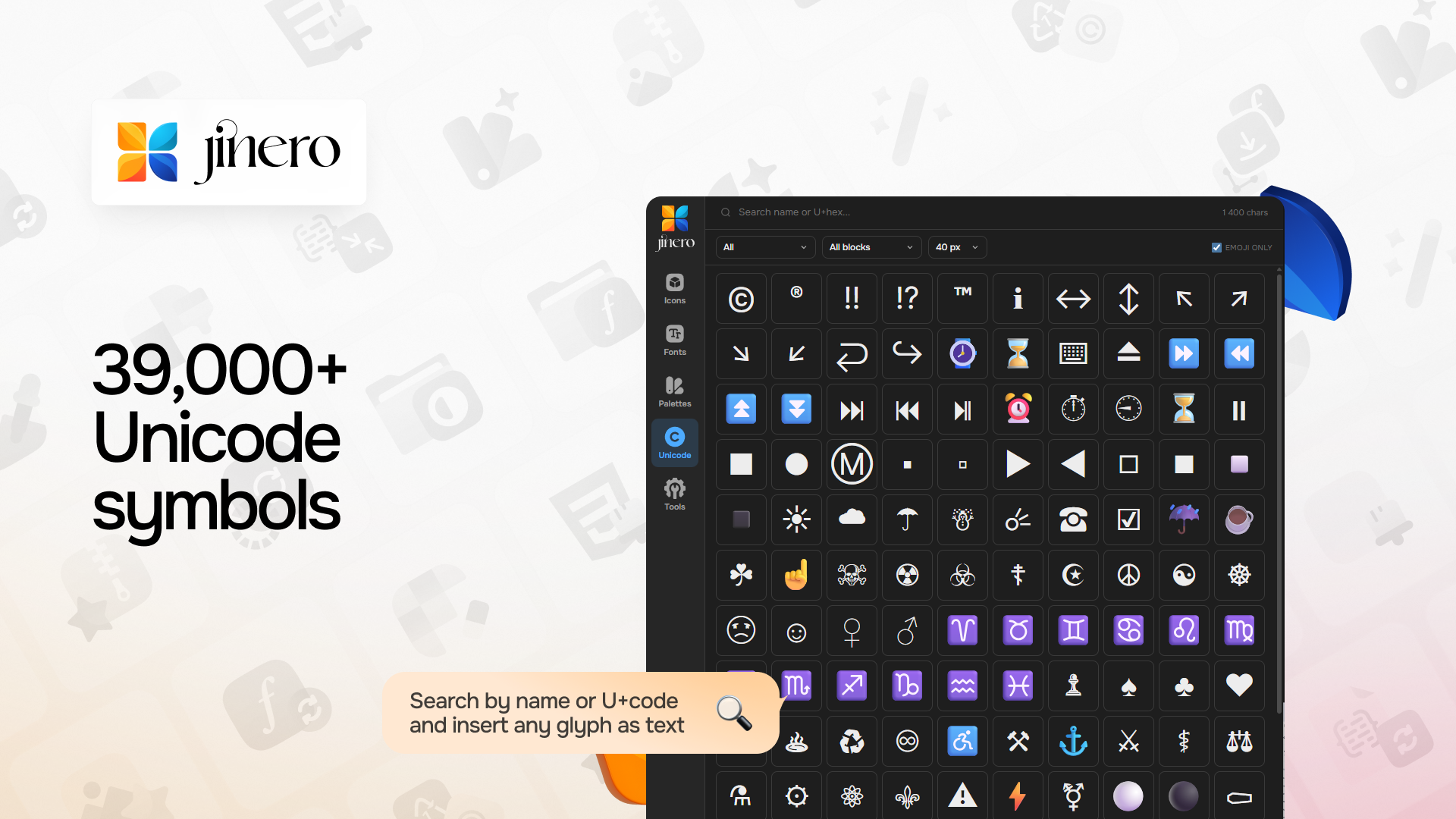
Search 39,000+ characters by name or U+ code, browse by block and insert any glyph as editable text.
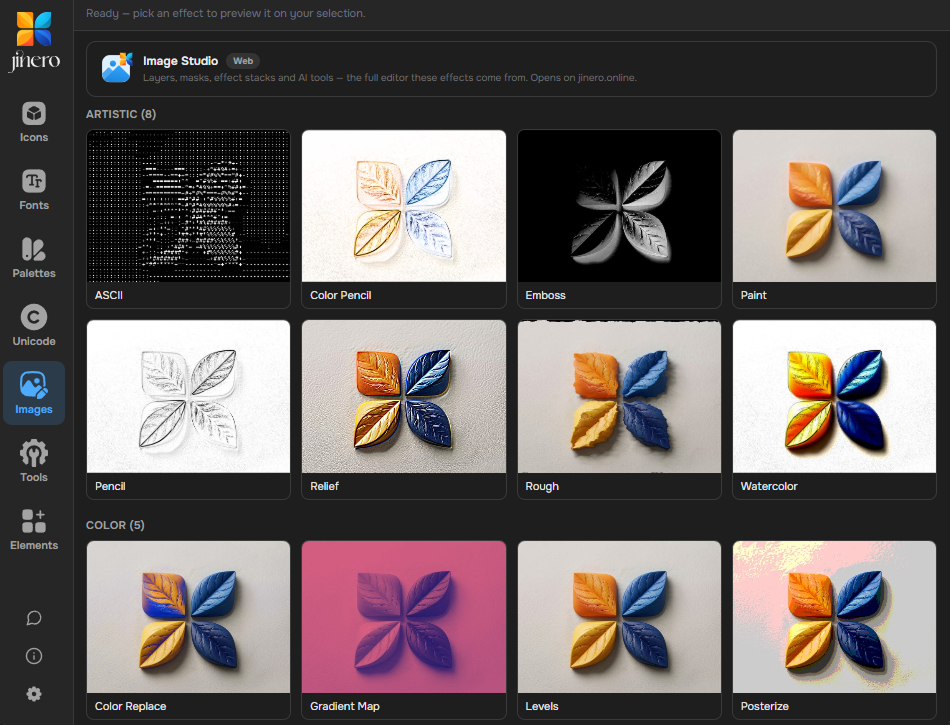
Images — 49 photo effects
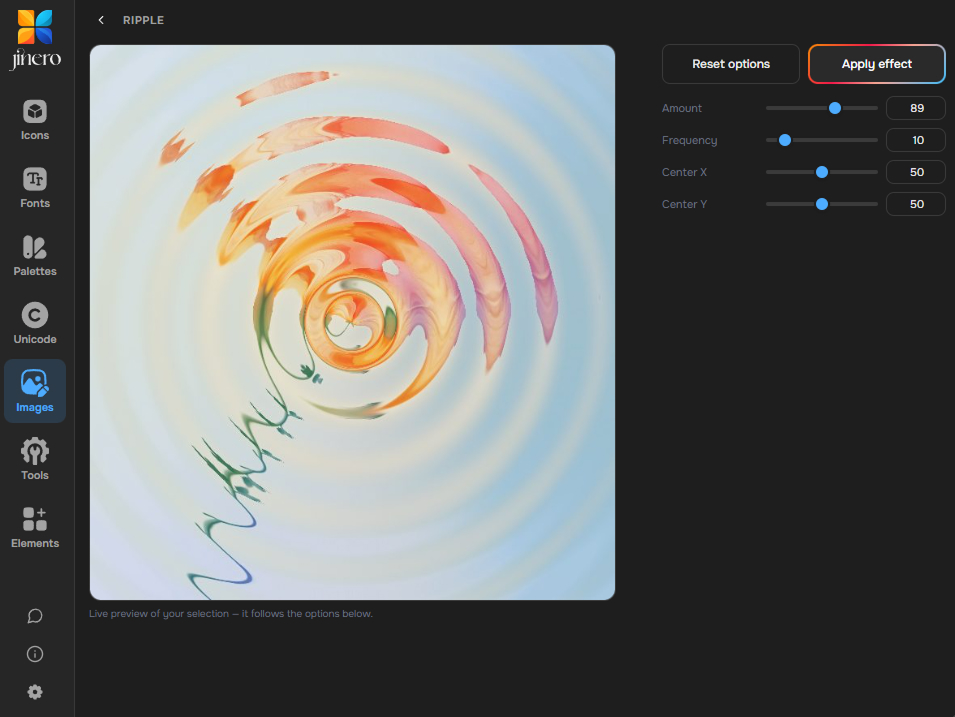
Select an image layer, pick an effect and tune it with a live preview that matches the final result exactly: blurs, shadows, glow, glitch, halftone, dither, glass, liquid, torn paper and more. The result lands as a new layer above the original.
Tools
Favicon generator, AI background remover and image → SVG tracer run right on your selection without leaving Figma.
Elements
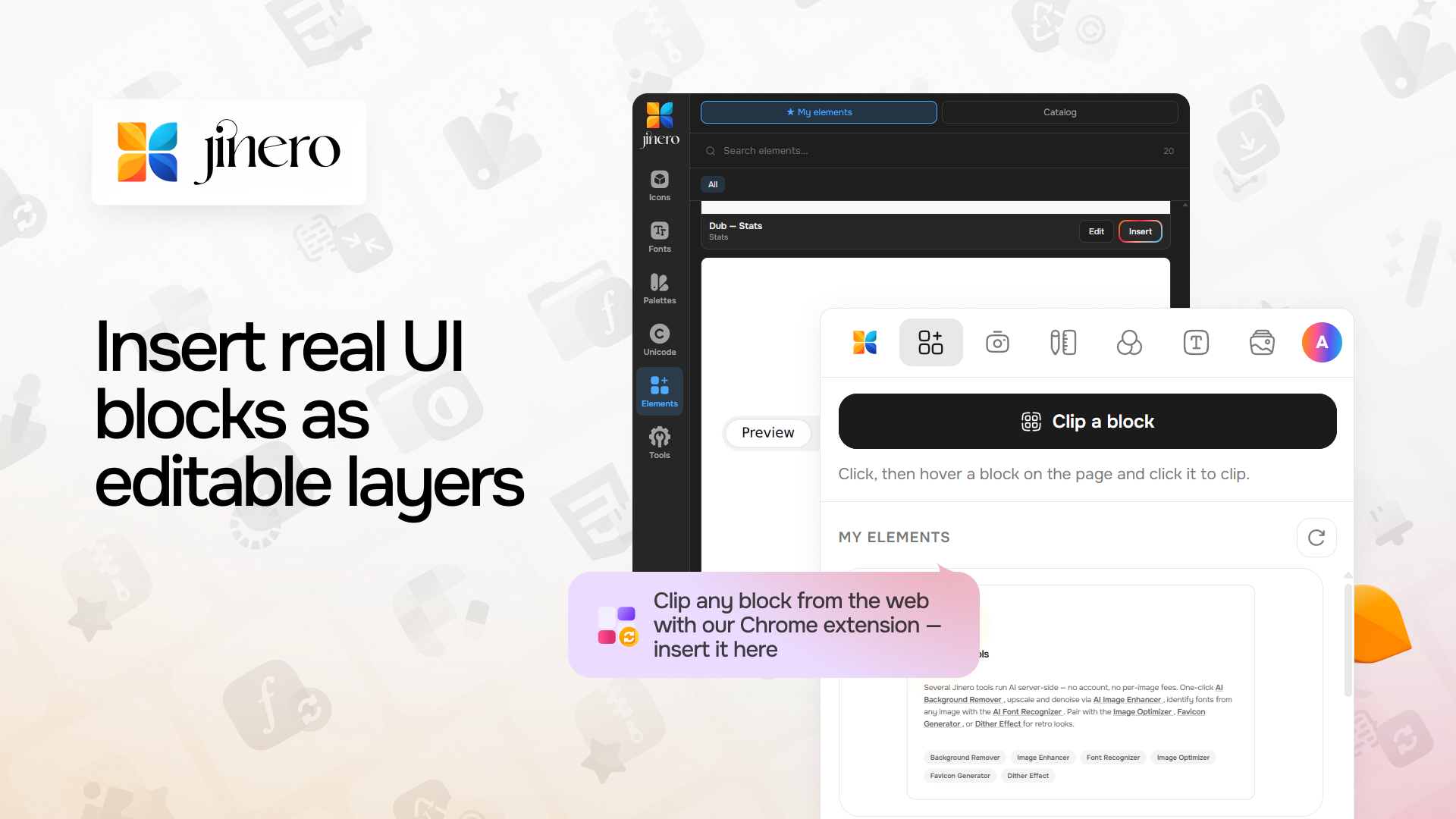
Insert real UI blocks — buttons, cards, pricing sections, navbars — as fully editable layers: real text, vector icons, image fills, gradients, shadows and corner radii. Clip your own from any website with the Jinero Web Tools Chrome extension.
Frequently Asked Questions
Yes. Every tab — icons, fonts, palettes, Unicode, photo effects, tools and elements — is free with no credits or subscription. Server tools have fair-use rate limits.
No. The plugin works in guest mode. Sign in with Google (or paste a free API token) only if you want your saved collections and bookmarks to sync with jinero.online.
Yes — the plugin is published for Figma Design, FigJam and Figma Slides.
On the Jinero servers, so there is nothing heavy to download and new effects appear automatically. The preview is rendered at the same resolution as the final result, so what you see is what you get.
Every icon, font and palette keeps its original open-source license (MIT, Apache-2.0, OFL, CC and similar); the license is shown on the jinero.online detail page of each asset.