


Chromatic Aberration (RGB Split) Effect
Push the red and blue channels apart and every edge gets a colored fringe — from a subtle vintage lens to a loud RGB-split glitch.


More image effects
All effects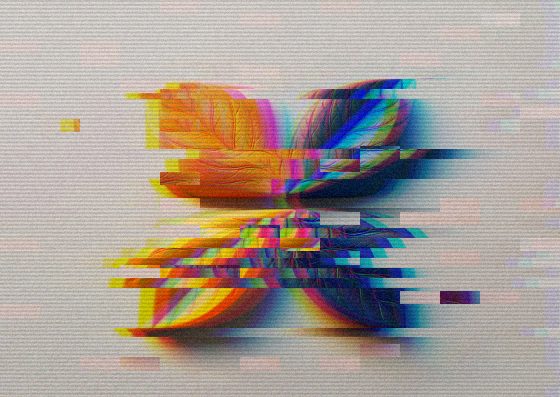
Chromatic Aberration — how it works
Split red, green and blue channels for a lens-fringe or 3D-glasses look.
What chromatic aberration is
Real lenses bend red, green and blue light by slightly different amounts, so the colors don’t land in exactly the same place and edges get red or blue fringes. Photographers usually remove it; designers add it on purpose for a raw, filmic or futuristic look.
Distance and angle
Distance sets how far the red and blue channels move apart; angle sets the direction. Small shifts read as an imperfect vintage lens, large ones as a glitch or an old 3D anaglyph.
Where it works
Music covers, gaming and tech visuals, poster typography and hero images. Combine it with film grain for an analog feel or with the glitch effect for a broken-signal aesthetic.
Frequently Asked Questions
The Glitch Effect includes an RGB split plus sliced rows and noise. This page is the clean channel split on its own.
No, the effect runs in your browser.
Yes — the downloaded full-size image matches the preview.