


Turn a Photo into a Colored Pencil Drawing
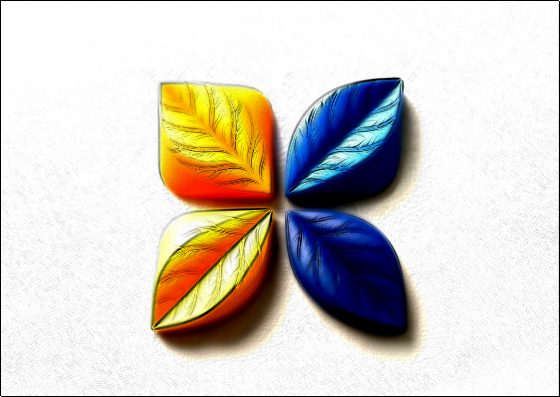
Pencil lines trace every edge while the photo’s colors fill them in, softly, like a drawing done with a box of colored pencils.


More image effects
All effects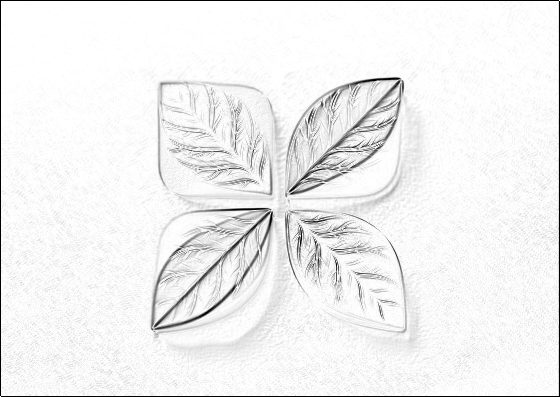
Colored Pencil Drawing — how it works
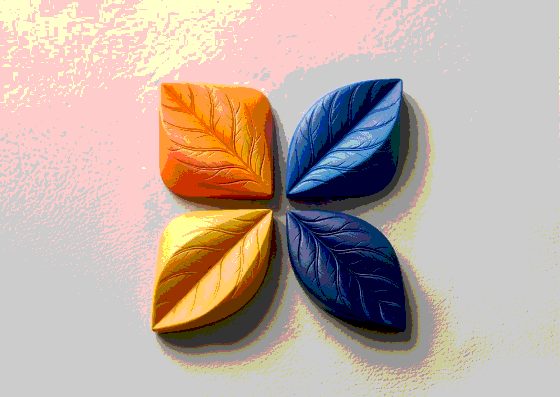
Turn a photo into a colored pencil drawing that keeps its colors.
Lines plus color
The effect draws the edges of your photo as pencil strokes, then blends the original colors back in underneath them. You get the structure of a sketch with the palette of the photo — lighter and softer than the original, like colored pencil on white paper.
Line weight and texture
Line weight controls how thick the strokes are: thin for delicate illustrations, heavy for a crayon or marker feel. Paper texture adds grain so the result looks drawn on real paper rather than printed.
Great for
Pet portraits, travel photos, food and architecture, greeting cards and children’s-book style illustrations. For a black-and-white sketch use Photo to Pencil Sketch instead.
Frequently Asked Questions
No — it is a classic filter that runs instantly in your browser. For AI art styles, Image Flow has Style Transfer.
No, it is processed on your device.
Your photo’s full resolution, up to 4096 px on the long side.