


Hexagon Mosaic (Hexagonal Pixelate)
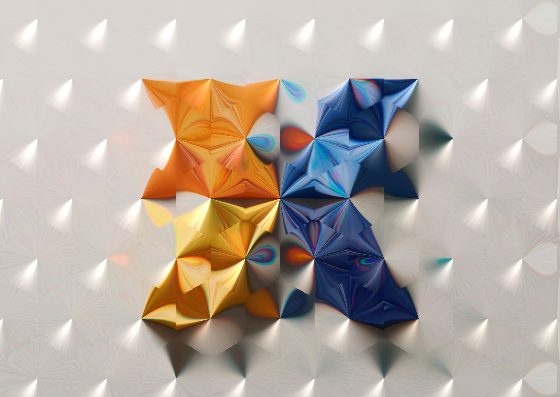
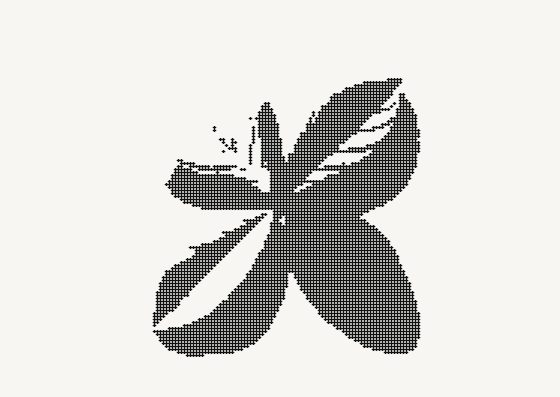
Like pixelation, but with hexagons: your photo becomes a honeycomb of flat color cells.


More image effects
All effects
Hexagon Mosaic — how it works
Pixelate a photo into a honeycomb of flat-colored hexagons.
Why hexagons
Square pixels line up in rows and columns, so edges look stair-stepped. Hexagons tile the plane with six equal neighbours, so diagonal and curved edges look smoother and the whole image reads more organic — the same reason bees and board games use them.
Cell size
Small cells keep the subject recognizable with a subtle honeycomb texture; large cells turn the photo into an abstract pattern of color — great for backgrounds, posters and covers. The cell size scales with your image.
Also for privacy
Large hexagon cells hide faces, plates and screen content as well as square pixelation does — with a more designed look. For automatic face hiding use the Face Blur tool.
Frequently Asked Questions
No — the shader runs in your browser.
Use Image to Pixel Art for square pixels with retro palettes.
Full resolution of your photo, up to 4096 px on the long side.