


Glow (Bloom) Effect for Photos
Highlights spill soft light into their surroundings — the dreamy bloom of film and cinematic grading.


More image effects
All effects

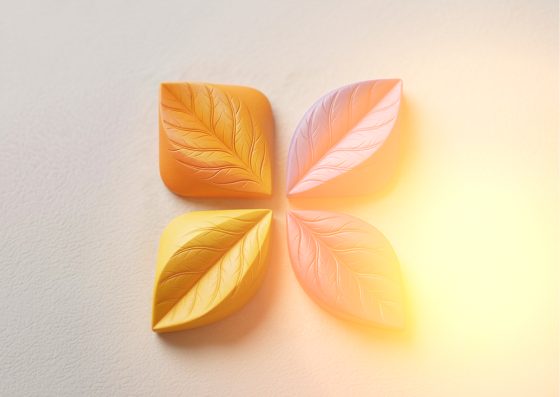
Glow Effect — how it works
Bloom glow: bright areas softly radiate light.
How bloom works
The effect isolates the brightest parts of the image, blurs them into a wide soft halo and adds that light back on top. Bright windows, skin highlights and light sources start to glow, while shadows stay deep — the look of film halation and cinematic grading.
Threshold, size, intensity
Threshold decides how bright a pixel must be to glow; lower it for a hazy, overall dreamy look. Glow size is how far the light spreads (it scales with your image), intensity how bright the halo is.
Great for
Portraits in backlight, weddings, night streets, product shots with reflections and anything that should feel warm, soft and a little magical.
Frequently Asked Questions
Glow makes existing highlights radiate; Neon Glow draws new glowing lines along the edges.
No, it is processed in your browser.
Yes — run the result through Film Grain, or stack both in Image Flow.