


Swirl (Twirl) Effect for Photos
Grab the center of the image and twist it — a whirlpool distortion that pulls everything into a spiral.


More image effects
All effects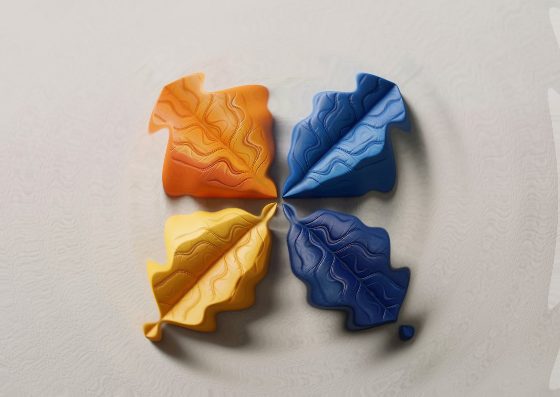
Swirl Effect — how it works
Twist a photo into a whirlpool around its center.
How the swirl works
Pixels are rotated around a center point — strongly near the center, less and less toward the edge of the radius, not at all beyond it. The result is a smooth spiral that keeps the image continuous, like stirring paint.
Twist, radius, center
Twist is the rotation in degrees at the center; negative values turn the other way. Radius sets how much of the image is affected. Move the center to swirl around a specific detail.
Ideas
Psychedelic posters, album covers, abstract backgrounds from any photo, or a hypnotic accent behind text. Combine with Duotone for a bold graphic look.
Frequently Asked Questions
Apply the same twist with the opposite sign to get close to the original — or simply reset.
No, the shader runs locally.
The effect needs WebGL in your browser.