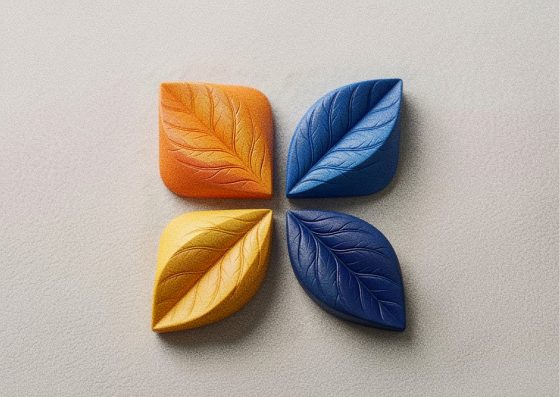
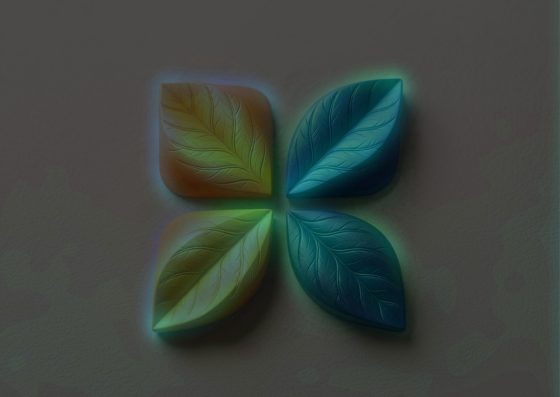
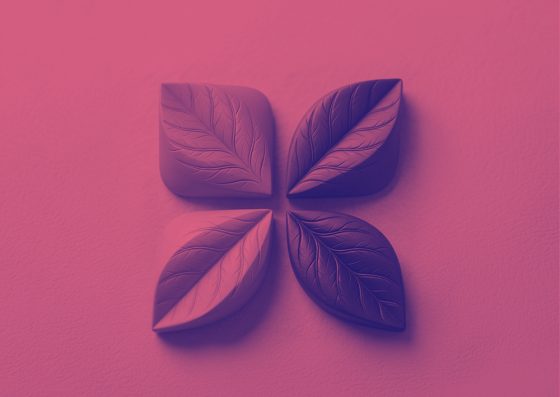
Light Leak Effect

Add Light Leaks to Your Photos

A warm glow bleeding into the frame, like light sneaking into an old film camera. Pick the colors and randomize until it hits just right.

Image to ASCII Turn any photo into ASCII art — copy it as text or save as PNG.
Image to Pixel Art Make 8-bit pixel art from a photo with retro palettes like PICO-8 and Game Boy.
Glitch Effect RGB split, slice shifts, scanlines and static — a GPU glitch effect for any image.
Halftone Effect Turn photos into print-style halftone dots, squares or diamonds in two colors.
Duotone Effect Map a photo onto two colors — the Spotify-style duotone look.
Pixel Sorting Glitch-art pixel sorting: melt bright or dark pixels into long streaks.
Fluted Glass Effect Reeded glass refraction: look at any photo through ribbed glass.
Shatter Effect Break a photo into flying blocks that scatter away from an intact center.
Photo to Pencil Sketch Turn a photo into a graphite pencil drawing with adjustable line weight.
Photo to Watercolor Soft watercolor washes with ink edges and paper texture from any photo.
Tilt-Shift Effect Miniature-world tilt-shift blur with a movable focus band.
Motion Blur Effect Directional motion blur for speed, panning and dynamic shots.
Film Grain Effect Analog film grain and a soft vignette for a 35mm look.
Chromatic Aberration Split red, green and blue channels for a lens-fringe or 3D-glasses look.
Neon Glow Effect Trace the edges of a photo with glowing neon lines on a dark background.
Paper Cut Effect Layered paper-craft look with cut-out shapes and soft shadows.
Posterize Effect Reduce a photo to a few flat tones for a bold poster look.
Colored Pencil Drawing Turn a photo into a colored pencil drawing that keeps its colors.
Glow Effect Bloom glow: bright areas softly radiate light.
Lens Blur (Bokeh) Dreamy lens blur where bright spots bloom into bokeh.
Zoom Blur Effect Radial zoom or spin blur that rushes toward a point.
Glass Tiles Effect See a photo through hexagonal or square glass blocks with refraction.
Torn Paper Effect Rip a photo into torn paper pieces with white edges and shadows.
Hexagon Mosaic Pixelate a photo into a honeycomb of flat-colored hexagons.
Swirl Effect Twist a photo into a whirlpool around its center.
Water Ripple Effect Concentric water ripples spreading across a photo.
Bulge & Pinch Effect Magnify the center of a photo like a fisheye — or pinch it in.
Vignette Effect Darken — or tint — the corners to focus attention on the center.
Emboss Effect Raised relief look: turn a photo into an embossed grey surface.
Blur Image Blur a whole image smoothly — clean edges, any strength.
Sharpen Image Make soft photos crisper with an adjustable sharpening filter.
Demo image — drop, paste or upload yours

Light Leak Effect — how it works

Warm analog light leaks and flares in any two colors.

Where light leaks come from

On film cameras, light slipping through a loose back or a worn seal fogs the edge of the frame with warm red and orange glows. Once a flaw, it became a signature of analog and lo-fi photography.

Shaping the leak

Two colors blend into the glow; angle and position decide which edge it comes from, size how far it reaches, intensity how strongly it burns the image. Variant changes the organic shape — use Randomize to try several quickly.

Tips

Leaks work best on photos with some dark areas where the glow can show. Combine with film grain for a complete analog look, or use cool colors for dreamy, modern visuals.

Frequently Asked Questions

No — the leak is generated on the fly in your browser, in any color, with no stock overlays to download.

No, everything happens locally.

Yes, in Image Flow you can add the Light Leak effect more than once with different colors and angles.