


Posterize an Image
Smooth gradients collapse into a few flat bands of color — the bold look of screen prints, pop art and vintage posters.


More image effects
All effects

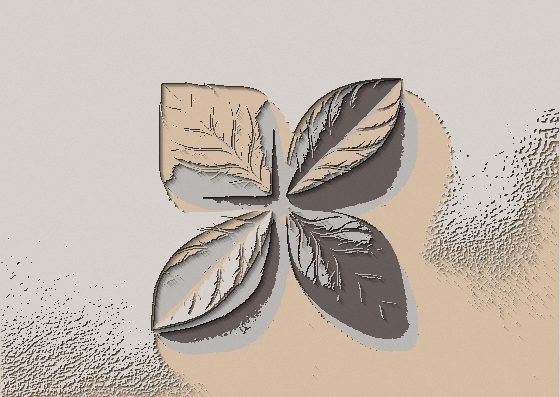
Posterize Effect — how it works
Reduce a photo to a few flat tones for a bold poster look.
What posterization does
Each of the red, green and blue channels is limited to a small number of levels. Instead of millions of smooth shades, the image uses only a handful of flat colors, so gradients turn into hard-edged bands — the look of posters printed with a few inks.
How many levels
Two or three levels give a loud pop-art result with bright primary colors; four to six keep the subject recognizable with a graphic, illustrated feel; ten and more only slightly flatten the image — useful for a subtle retro touch.
Combine it
Posterize pairs well with Duotone for two-color screen prints and with Halftone for comic-book panels. In Image Flow you can stack them in one document.
Frequently Asked Questions
Similar, but posterize cuts each channel into equal steps, while palette reduction picks the closest colors from a palette. For palette-based looks see Image to Pixel Art.
No, it is processed in your browser.
PNG, JPG or WebP in full resolution.