


Turn Any Image into ASCII Art
Drop a photo and watch it turn into characters in real time. Copy the ASCII text, download it as .txt or export a crisp PNG.


More image effects
All effects
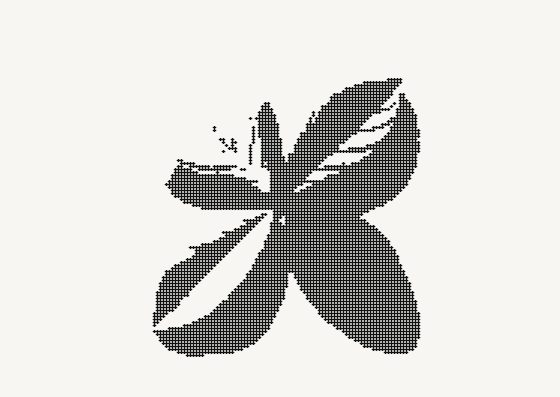
Image to ASCII — how it works
Turn any photo into ASCII art — copy it as text or save as PNG.
How the conversion works
The image is split into a grid of cells — one per character. For each cell the converter measures brightness and picks a glyph from a ramp that runs from light to dense (space, dot, colon… up to @). More characters across means more detail; the character aspect setting compensates for letters being taller than they are wide, so circles stay round.
Text, not just a picture
Unlike screenshot-style generators, you get the actual characters. Copy them into a README, a code comment, a terminal banner or a chat message — use a monospaced font and they line up exactly as in the preview. For social posts, export a PNG in your own colors instead.
Tips for a clean result
High-contrast subjects on a plain background convert best. Raise contrast if the result looks flat, lower the width for a bold, chunky look, and try the Blocks set for smooth gradients. Dark areas get the densest characters by default, so a subject on a light background is drawn in characters; turn on Invert for photos where the subject is bright and the background dark.
Frequently Asked Questions
No. The conversion runs entirely in your browser on a canvas; the image never leaves your device.
Paste it anywhere that uses a monospaced font — code blocks in Markdown (```), terminals, most code editors. In proportional fonts the columns drift.
Standard (10 levels), Detailed (70 levels), Blocks (░▒▓█), Minimal and Binary (0/1).
Yes — “Open in Image Flow” sends your image with the same ASCII settings into the full editor, where you can add layers and other effects.