


Emboss Effect for Photos
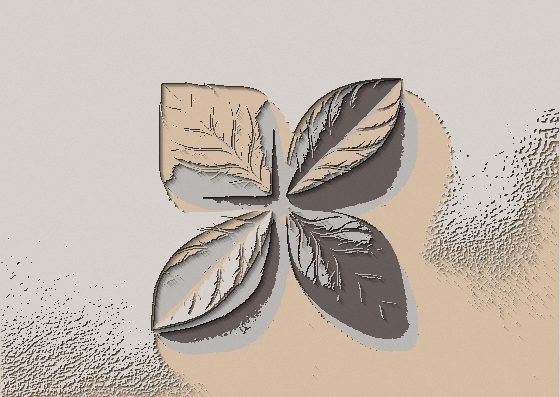
Your image as a metal relief: shapes catch the light like a carved medal while flat areas sink into darkness.


More image effects
All effects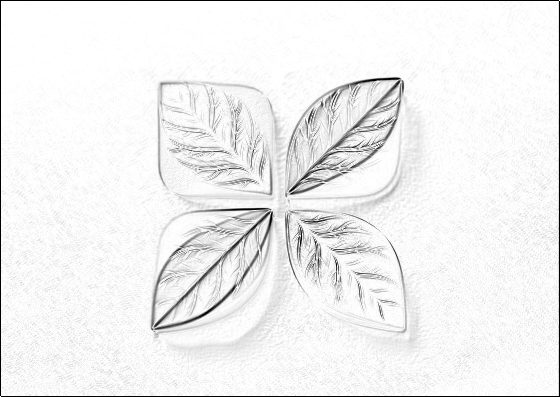

Emboss Effect — how it works
A silvery raised relief of your photo on a dark background.
How embossing works
Two copies of the image, shifted slightly in opposite directions, are compared: where brightness changes, the edge is lit like a ridge catching light from one side. Everything is converted to greyscale and flat, even areas fall into shadow, so shapes stand out as a silvery relief.
Depth
Depth sets how far apart the copies are — shallow for fine engraved detail, deep for bold stamped shapes. It scales with your image so the download matches the preview.
Ideas
Logos pressed into metal, coin and medal mockups, stone-carving textures, or a neutral texture layer to blend over other images in Image Flow.
Frequently Asked Questions
In Image Flow set the Emboss layer to a blend mode such as Overlay above the original photo to get colored relief.
No, the effect runs in your browser.
Logos, text and photos with clear shapes. Very noisy photos produce a rough, gritty texture.